The client portal
The portal is your clients' side of Pocper: one address where someone sees everything in their Shared zone, opens what you sent, and starts the documents you allow — without an account and without you emailing anything.
1 · Switching it on
The portal belongs to the team, not to individual clients. Turn it on once in settings and your team gets a portal address. Everyone goes through that same address; who they are is settled when they sign in, not by the URL they start from.
2 · Getting a client in, by email
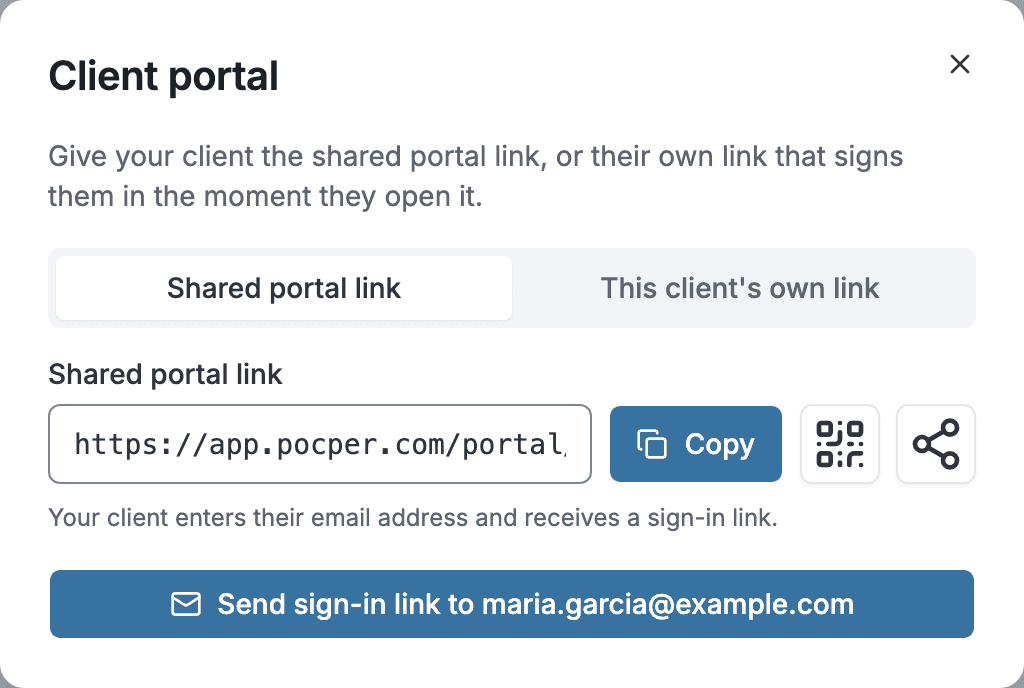
The ordinary way in is an email link. The client types their email on the portal page, Pocper emails them a link, they click it and they are in. No password to invent, nothing to remember for next time.
That link works once and expires after fifteen minutes. A session, once started, lasts about a week before it asks again.

The session is tied to the email address, not to a single client record. If the same email is attached to more than one of your clients, that person sees all of them after one sign-in — worth a thought before putting a shared office address on several unrelated clients.
3 · Getting a client in, without email
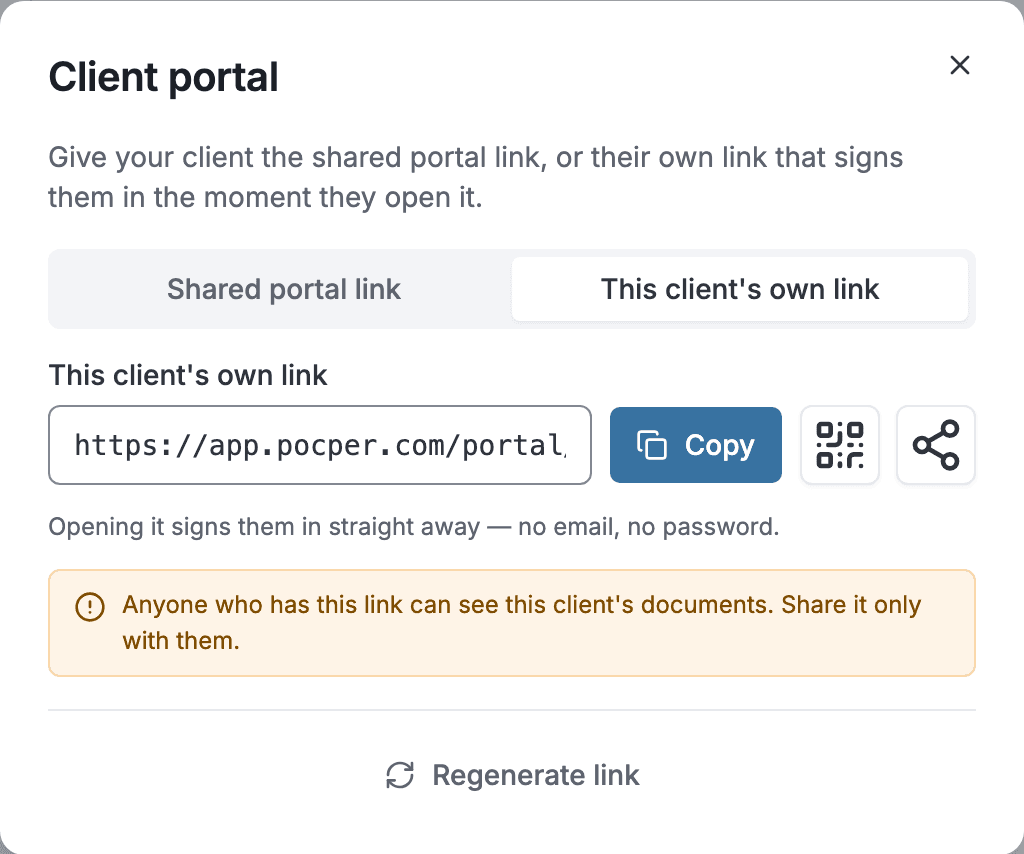
Plenty of clients have no email you can rely on. For those, generate a personal link for that one client and hand it over however suits — a QR code on a card, a message, a printout. It does not expire, and anyone who opens it is that client.
This is the only route in for a client with no email address at all. Treat the link as the credential: whoever has it is in, so do not post it publicly.
4 · What they see
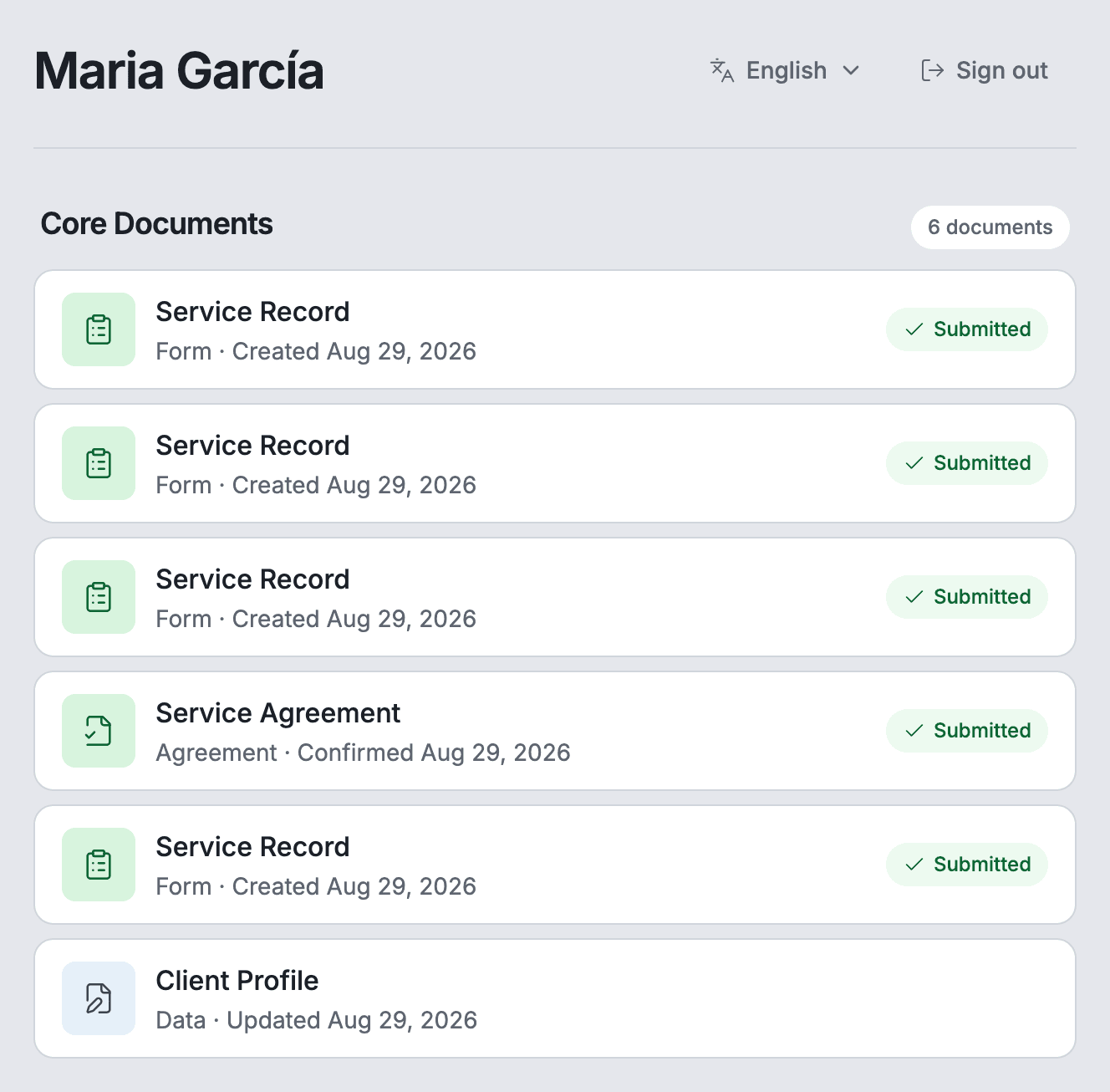
They see only the Shared zone, in the order you arranged it. Everything in Internal is invisible to them — not greyed out, simply not there.
What they can do depends on each document's kind. They can fill in the forms you offered, co-edit a shared record, read an agreement, and read a publication. Confirming an agreement is yours to do, not theirs: once you confirm it, it shows as confirmed in the portal, so neither of you has to ask.
They choose their own language when they arrive, from the same set the rest of Pocper offers. Your interface language has nothing to do with what they read.
5 · Taking access away
- For one client: generate a new personal link. The old one stops working immediately — the tool for a link that ended up somewhere you did not intend.
- For everyone at once: there is no switch for that. The team's portal address stays put once it exists, so taking access away is done one client at a time, as above.
6 · What the portal is not
The portal is not white-labelled. The sign-in card carries the Pocper mark and there is no setting that removes it. If your clients must never see a third-party name, send links instead.
There is also a limit worth knowing: when your plan's document quota is used up, the buttons that would create new documents stop appearing in the portal. Clients are shown nothing about your billing.