Working together
Every Pocper document is live. Two people can work in one at the same time — no turns, no lock file, no copies emailed back and forth.
1 · Two people, one document
There is no checkout and no read-only mode. You and a teammate can type in the same document at once, and so can the person on the other side while they fill it in — you see their answers appear as they type.
Nothing is merged afterwards and nothing conflicts. Two people editing the same paragraph resolves as it happens.
2 · Seeing where the other person is
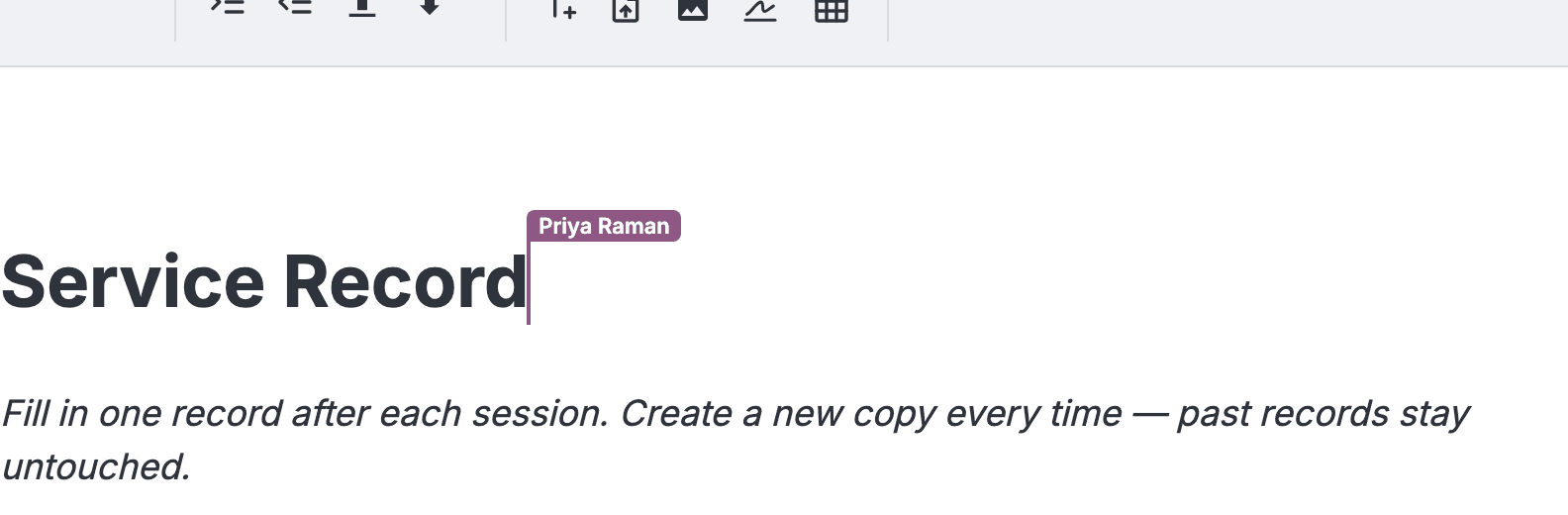
Every teammate in the document shows up as a coloured cursor with their name on it, and their selection is tinted the same colour. Cursors are between your team: the person filling it in from a link neither sees them nor shows one.
Each person keeps the same one of eight colours everywhere, worked out from who they are rather than who arrived first. The teammate who is blue to you is blue to everyone, in every document.
3 · When your work is saved
There is no save button. A status in the toolbar reports every save:
- Saving — Your edits are on their way.
- Saved — They have landed. It is also what you see when you open a document you have not touched.
- Save failed — Pocper retried and it still did not go through. Usually the connection dropped — stay on the page until it recovers rather than closing the tab.

4 · Locking a document
Confirming an Agreement locks it. The document closes to editing on both sides — the person filling it in can still open it, but can no longer change it.
Your team can unlock a document, make a correction and confirm it again. The other side cannot. Locking works on every plan, with nothing to switch on.

5 · The history behind a document
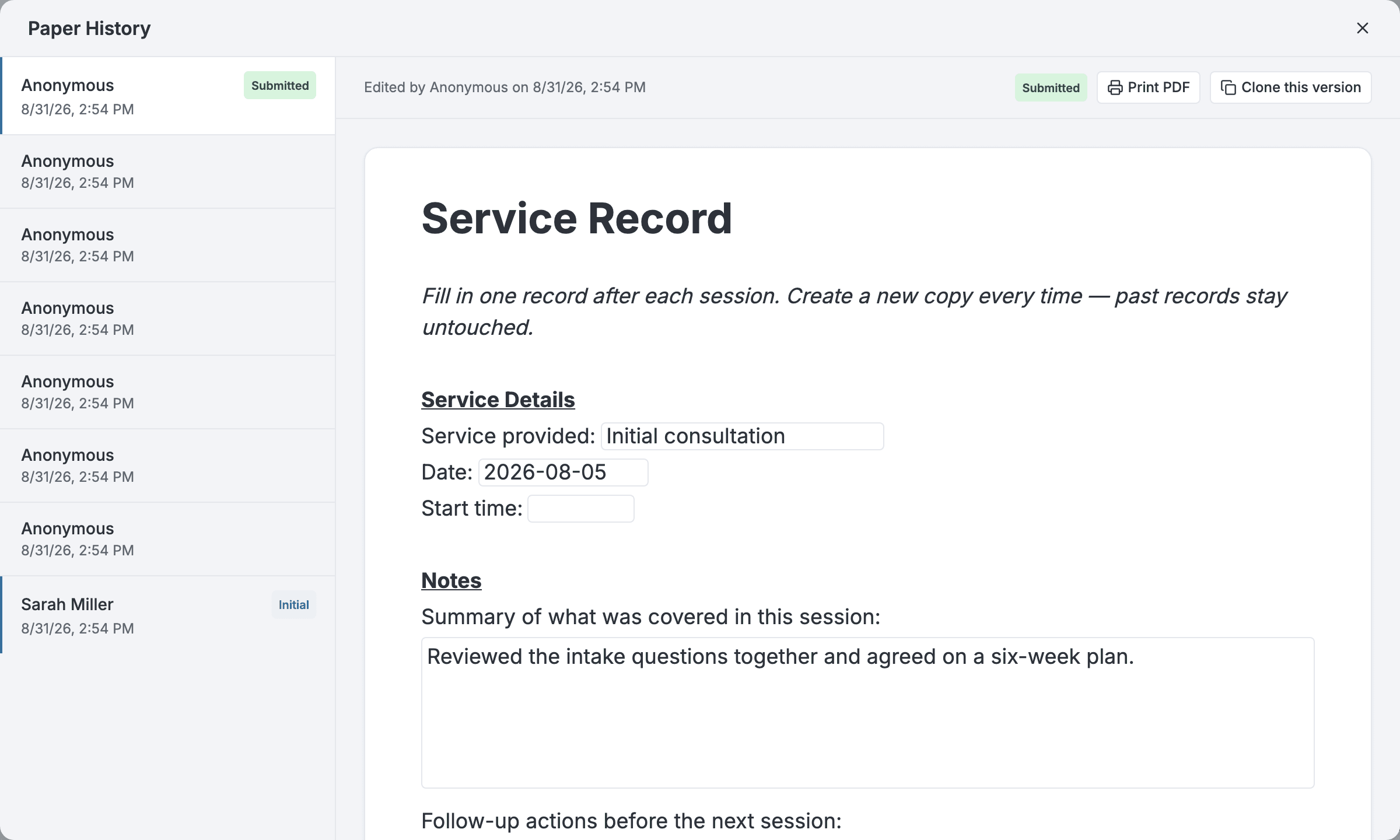
Every document keeps its own history, opened from the document itself. Each entry records who made the change and when — an anonymous link is recorded as such.
Two moments are marked out from the rest: when the document was created, and when it was submitted.
History is read-only. There is no restore button.