Papers
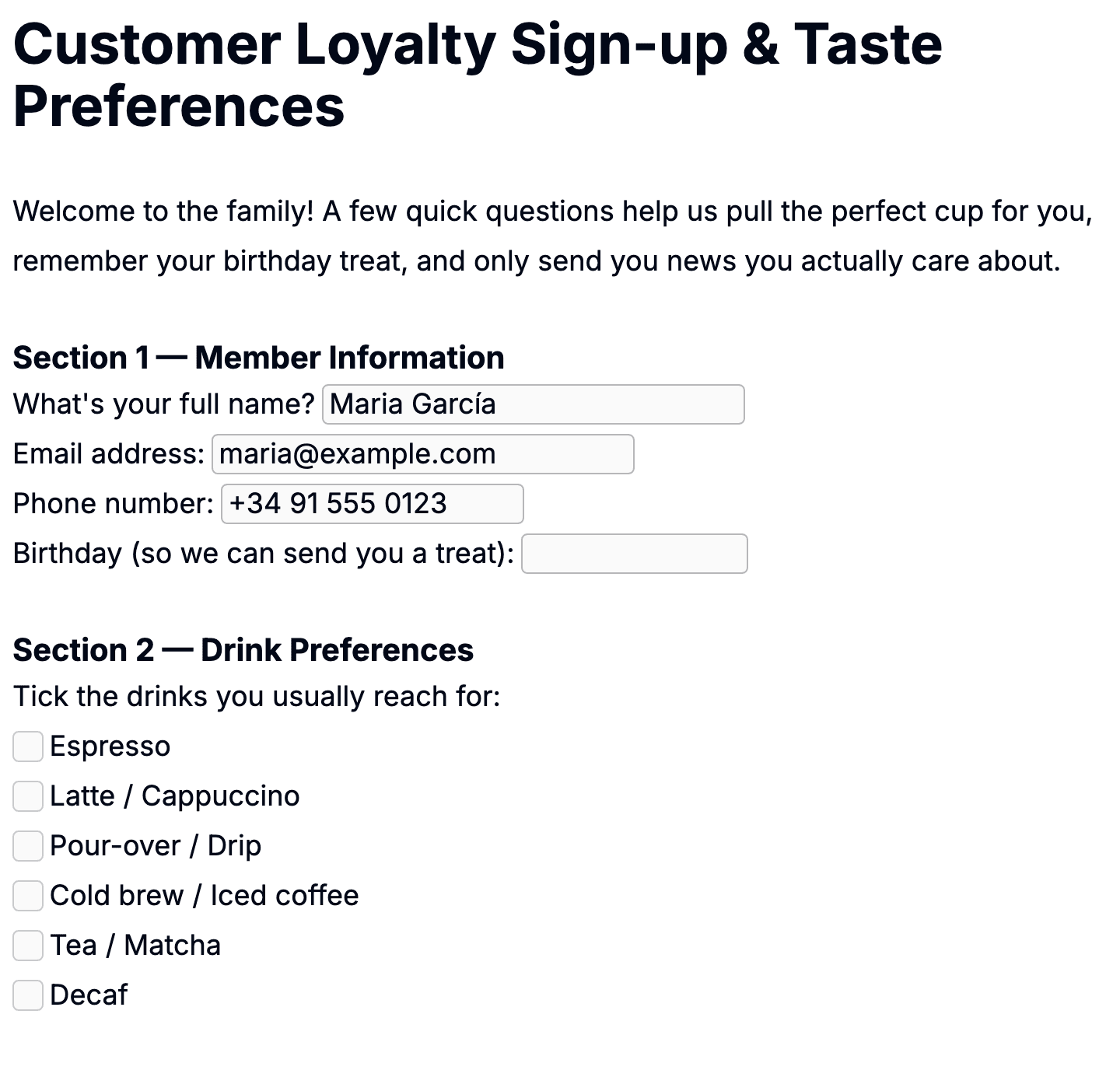
A paper is one filled-out copy of a template — your client's onboarding form, their quarterly review, their signed agreement. Every paper lives under a specific client, in a specific folder. Once it is submitted, it carries a status you can move through your workflow.
1 · Where papers come from
Most papers come from share links. You share a template, the client fills it in, hits submit, and Pocper creates a new paper under the right client and folder. You do not have to start it.
You can also start a paper directly from a client's page — useful for in-person sessions where you are filling the form yourself or alongside the client. Pick the template, and a new paper appears in the right folder, ready to edit.
2 · The paper's lifecycle
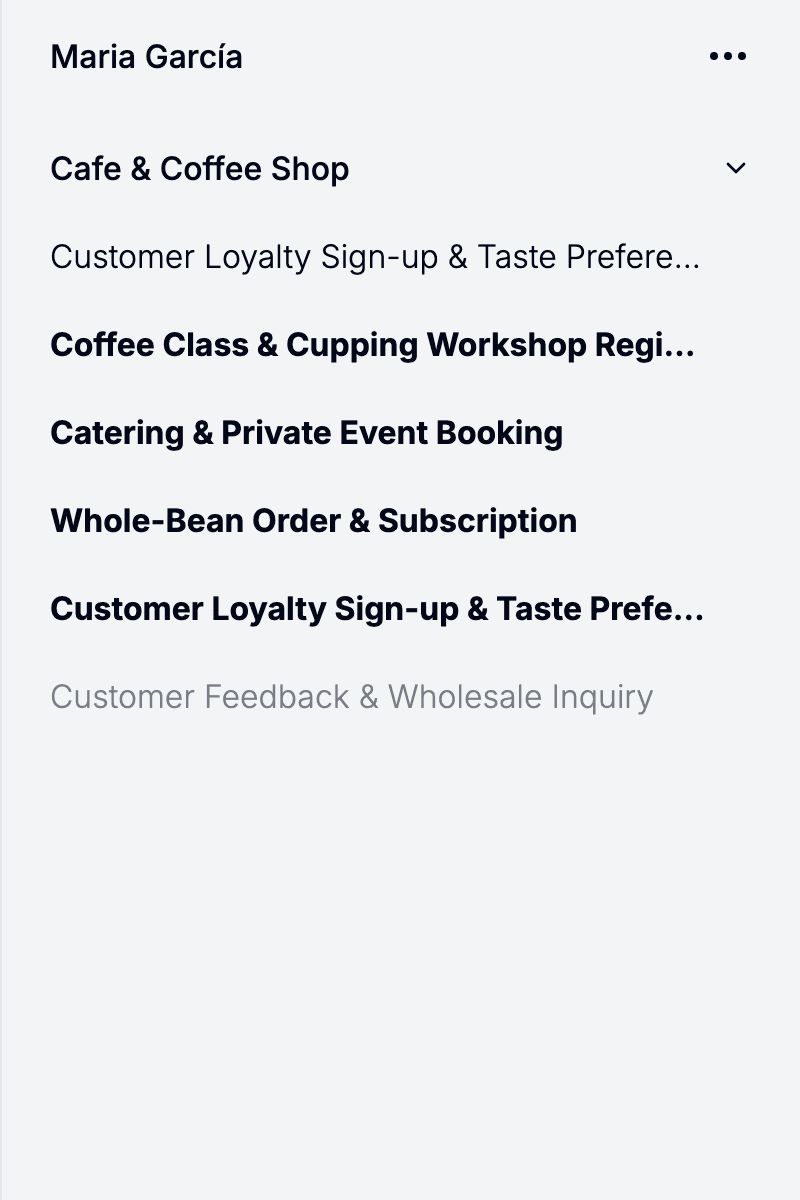
A paper carries a status that tells you where it is in your workflow — being filled, submitted, settled, or cancelled. When the client hits Submit, the paper moves from being filled to submitted. You mark it as settled from the admin portal when it is done on your side. A paper can also be cancelled: the person filling the form can cancel it, and you can mark a paper as cancelled — or restore it — from the admin portal. The lifecycle is not enforced; a paper started inside the admin portal but never shared can sit in being filled forever.
There is no save button at any stage. Every keystroke is saved as it happens — what you see in the admin portal is exactly what is on the server. No draft mode, no "are you sure you want to leave this page" prompts.
One exception: papers from Agreement templates never go through the submit flow — you finalize them by locking them, and the person filling one gets neither a submit nor a cancel button, since both are your calls from the admin portal. Publication templates never create papers at all (see the Document kinds article).
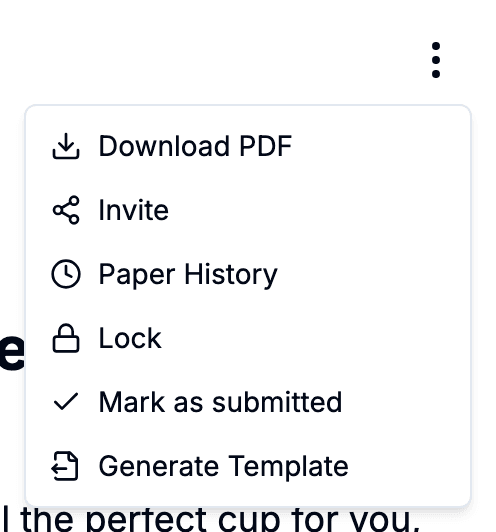
The paper editor also puts the one action that matters for each kind in the top-right corner, so you don't have to open a menu. On a Form paper it toggles between being filled and submitted; on an Agreement it locks and unlocks the document; on a Data paper it opens the share dialog. Publication templates never become papers, so there's nothing to act on. It mirrors the Publish button on templates, and the state flips instantly — no page reload.
3 · Editing and viewing
Open a paper to land in the editor. The view is the same as editing a template, except the paper has data filled in. You can correct values, add notes, or fill missing fields the client skipped. Changes save automatically.
Multiple people can be in the same paper at the same time. You see each other's cursors and changes in real time — useful for a phone consultation where you and the client are looking at the same form. No conflict resolution to think about; whoever types last wins.