Every client, every document — one calm workspace.
Pocper brings your forms, notes, and signed agreements together — drafted with Pocper AI, filed under the client they belong to.
A few quick questions before our first session — it takes about two minutes.
Let AI draft it
Six tools that work as one
A form builder, a simple CRM, a note-taking space, client agreements, client publications, and a client portal — sharing one workspace, so nothing needs copying between apps.
Form builder
Build intake forms, questionnaires, and notices with a block editor. Share a link or QR code and watch responses arrive in real time.
Explore the form builderClient management
Every client gets a folder. Forms, files, and signatures file themselves under the right client — automatically.
See client managementNote-taking
Keep session notes, checklists, and follow-ups right beside the client they're about — not in a separate app.
Discover note-takingContracts & agreements
Draft agreements from templates, collect a signature in the document, and confirm to lock each one on record — filed under the client.
Explore contractsPublications
Publish price lists, announcements, and house rules once — every client reads the same current version.
See publicationsClient portal
Give each client one link to everything you've shared — they sign in with an email link or QR code, no password, no account.
Explore the client portalDescribe it, and the draft lands where it belongs
Pocper AI works inside your workspace, not beside it. What it drafts goes straight into the right folder or client's file, and every change it suggests is shown in the document before you apply it.
- 1
A template from a description
Say what the document is for and who fills it in. You get a whole template — title, sections and fields — written to match the others in its folder.
- 2
A paper for one client
From a client's page, describe what they need. The paper is created in their file, and their other papers and answers are never sent.
- 3
Changes you approve
Ask for an edit in plain words. Added, changed and removed blocks stay highlighted until you press Apply — or Discard.
Everything in one place
The tools client work actually needs — built in, not bolted on.
Auto-filing by client
Every response lands in the right client's folder — Pocper even creates the folder for new clients.
Real-time collaboration
Edits and responses appear the moment they happen — for you, your team, and your clients.
E-signatures
Collect signatures on consent forms and agreements, right inside the document.
File uploads
Clients attach PDFs, images, and Office files up to 25 MB, straight into their folder.
History & auto-save
Every change is saved as you type, with full history — nothing gets lost.
Templates & blocks
Start from ready-made templates and shape them with headings, tables, checklists, and inputs.
The same document, in both your hands
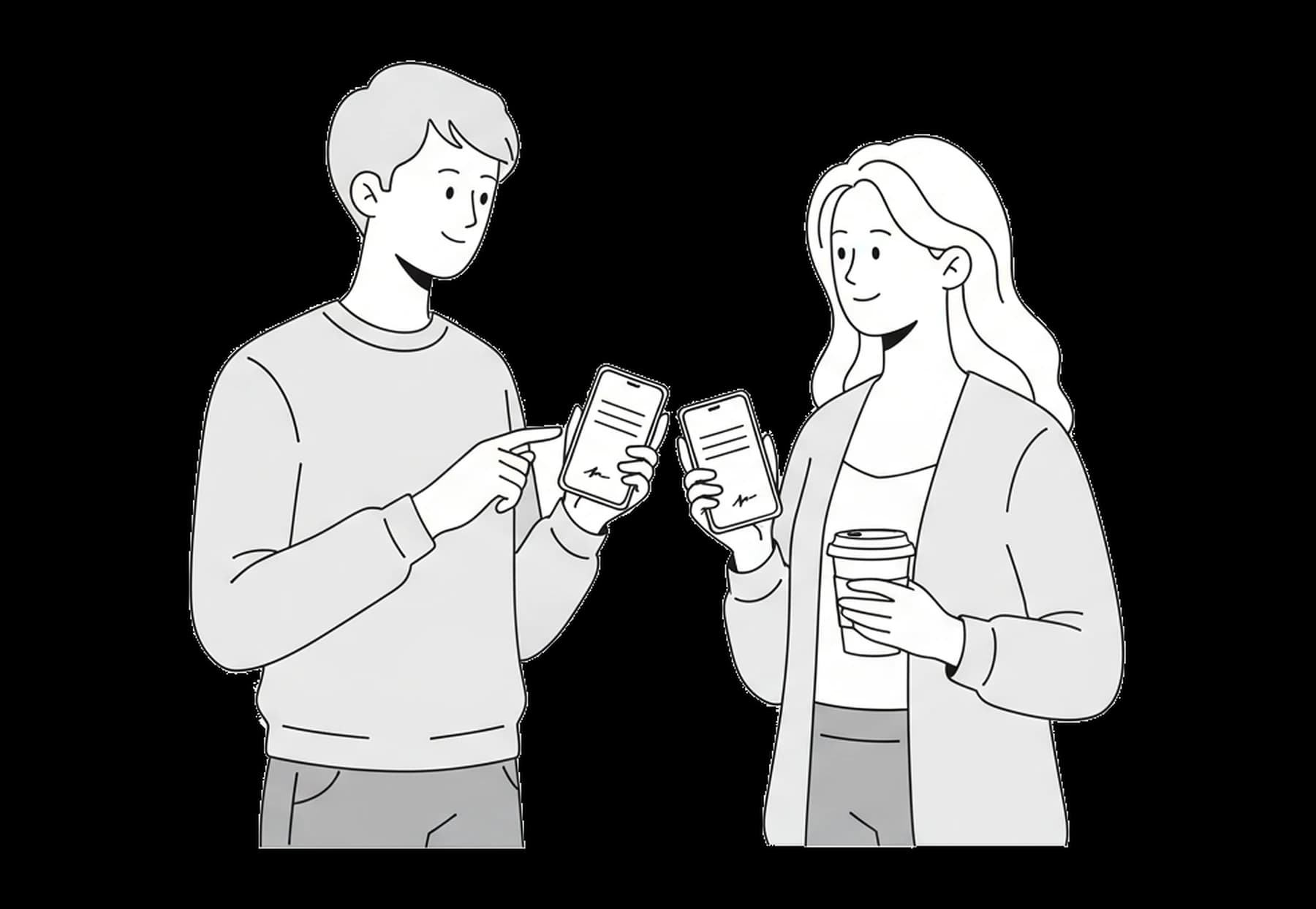
Your client types or signs, and it's on your screen as it happens. No refreshing, no re-sending.
Answers as they're typed
Watch a form fill in while your client is still on it.
Signatures as they land
The stroke appears as they draw it. Confirm to lock the version.
Your team, one draft
Teammates see each other's cursors, named and colour-coded.
Client work shouldn't live in five different apps. Forms in one tool, notes in another, signatures in a third — and the client's story scattered across all of them. Pocper keeps the whole paper trail where it belongs: with the client.
- One workspace instead of a patchwork of subscriptions
- Clients fill forms in the browser — no app, no account
- Responses, files, and signatures organize themselves
- Your team works from the same page, in real time
- Free to start — upgrade only when you outgrow it
Start from a template, not a blank page
Intake forms, consent forms, agreements, and questionnaires for clinics, salons, studios, tutors, and more — ready to make your own.
Describe it, and start from a draft
Tell Pocper AI what your business does and what the document is for. It drafts the template in your workspace — title, sections and fields — with anything it can't know left as a [placeholder]. Edit it, then publish when it's right.
From the blog
Guides on client intake, collecting documents, and moving off Google Forms.
Frequently asked questions
What is Pocper?
Is Pocper free to use?
How do the form builder, CRM, and notes fit together?
Do my clients need an account?
How do I get started?
Can my team work in the same workspace?
What is Pocper AI?
Give your client work a home
Start organizing clients, forms, and documents today — free, no credit card required.